Getting the Balance Right: IR Tempering and Screen Printing
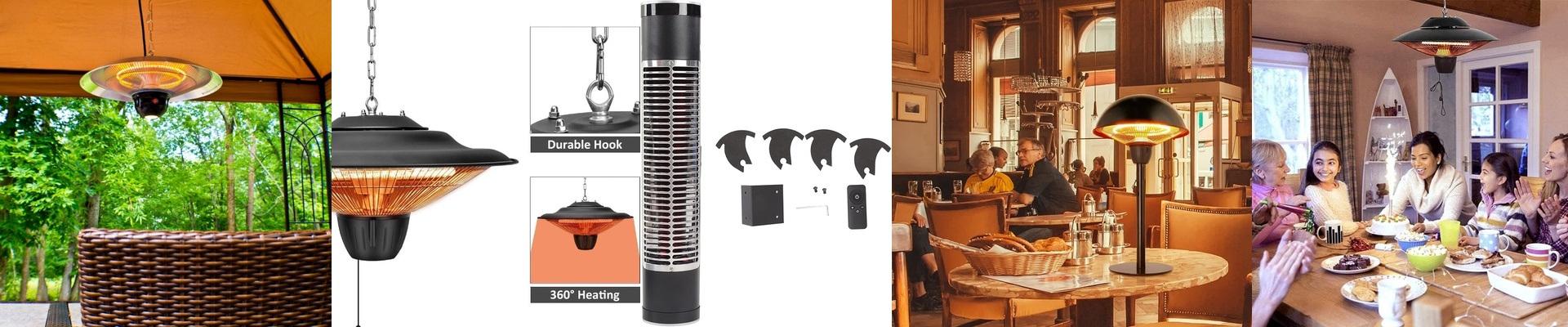
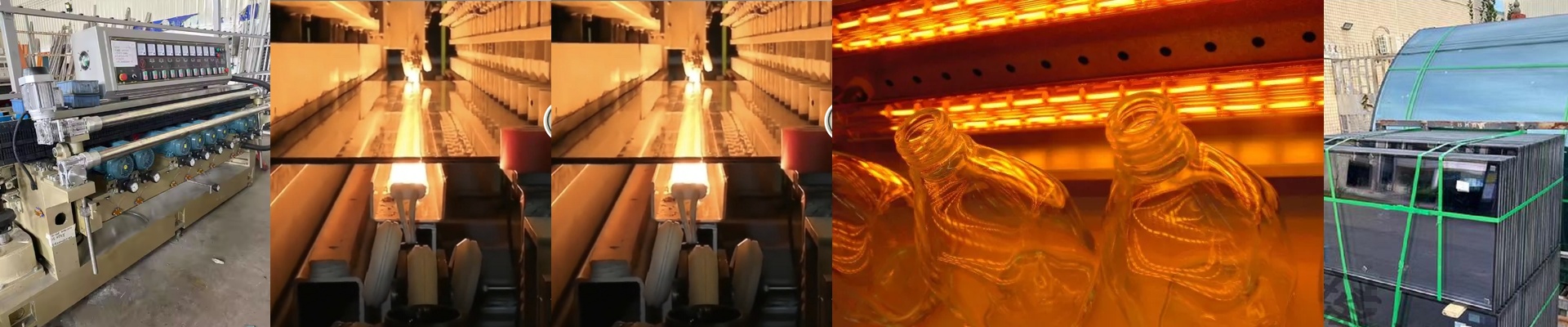
Here is the tricky part about combining screen-printing and tempering into one go: you’re fighting a constant battle. You need enough heat to bake the ink in, but if the surface gets too hot too fast, you’ll burn your pattern or shock the glass before it even hits tempering temperature. It’s a balancing act. And the secret weapon for fixing this? The distance between your IR lamps and the glass. The deal with lamp distance Shortwave IR lamps pack a serious punch. If you mount them too close, you get these nasty “hot spots.” They eat through your ink pigments and leave the stress distribution across the pane looking like a mess. I always suggest looking at the specific ink you’re using and calculating the distance based on what that chemistry actually needs. By widening the gap, you spread the heat out. It stops the surface from scorching and lets the heat soak deeper into the glass where it belongs. Watching the temperature climb You want the heat to be even. Simple, right? But it’s easier said than done. If the lamps are too tight to the glass, you risk “skinning.” That’s when the surface is screaming hot, but the core is still lagging behind. For this to work, you need a steady ramp-up. Adjusting that safety distance lets you control the climb, making sure the ink cures and the glass hits its softening point at the exact same time. The trade-offs Of course, there’s a catch. Pushing the lamps further away saves your patterns from burning, but it slows things down. Your glass will spend more time on the conveyor. To keep your speed up, you’ll probably need to bump up the wattage or throw in more tubes. Just keep an eye on your cooling system—if you crank the power to make up for the distance, your gear is going to feel that extra heat load. Push it too far, though, and you’re just wasting power and losing efficiency. It’s all about finding that sweet spot.